Best 5 To-Do Apps for ADHD in 2026
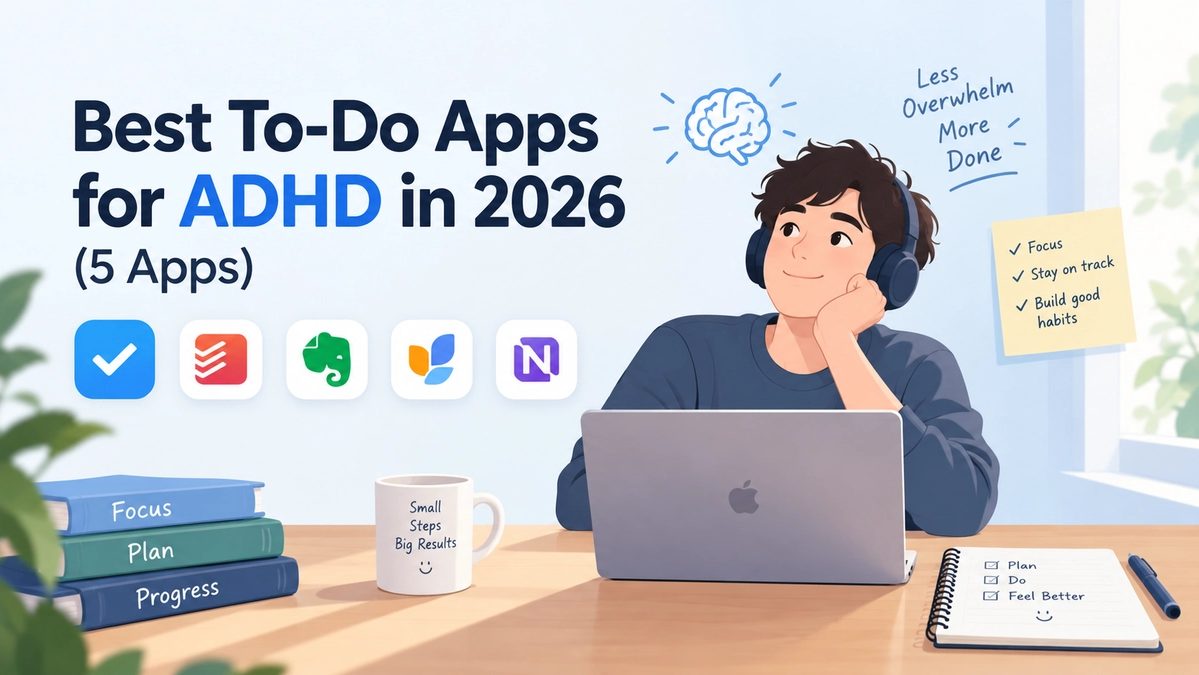
Best To-Do Apps for ADHD in 2025 (Five Picks That Actually Work)
For people with ADHD, a to-do app works as an external brain. The right one compensates for working memory issues, time blindness, and task paralysis instead of adding to them.
Most "best productivity app" lists target neurotypical brains. This list targets yours. We picked apps that solve the specific challenges ADHD brains face, and we explain why each one works.
New to this? Start with our guide on the science: What Is ADHD? And How Can a To-Do App Actually Help?
What Makes an App ADHD-Friendly?
An app earns a spot on this list by meeting at least one of these criteria:
- Frictionless capture: you can add a task in seconds, because anything slower means the task never gets captured.
- Time made visible: timers, timelines, and reminders fight time blindness directly.
- Small wins built in: subtasks and gamification break task paralysis into steps you can actually start.
- Guilt-free design: backlogs that forgive and streaks that never shame you.
- Low maintenance: every system falls behind eventually, so the less upkeep an app needs, the longer it survives.
Here are our five picks for 2025.
1. 🏆 Todoist — Best Overall
Todoist is the dependable classic and still the best all-rounder. Its killer feature for ADHD brains is natural language input: type "call dentist Friday at 3pm" and it schedules itself. Capturing a task takes seconds, which means it actually happens.
Recurring tasks mean you never have to remember the same thing twice. Priority labels give "what's first?" a clear answer. The clean interface never overwhelms. Put those together, and it's easy to see why Todoist is the go-to for so many ADHDers.
Best for: Anyone wanting a balance of simplicity and power. Price: Free / ~$4–5/mo Pro
2. ⏰ TickTick — Best for Time Blindness
If you constantly lose hours, or underestimate a "twenty-minute task" by three hours, TickTick is built for you. It combines a task list with a calendar view, built-in Pomodoro timers, and habit tracking. You can see your day laid out, time your work, and build routines in one place. A day you can see is a day you can follow.
Best for: People who need timers, time-blocking, and structure. Price: Free / ~$3–4/mo Premium
3. 🐦 Finch — Best Gamified Option
Completing tasks in Finch helps you raise an adorable pet bird. Sound silly? It is, and that's exactly why it works. ADHD brains struggle to generate motivation for boring tasks, and Finch attaches an immediate emotional reward to every check-off.
Unlike most gamified apps, Finch drops the punishment mechanics. Miss a day? Your bird still loves you. For ADHDers burned out on streak-guilt apps, that kindness is the whole point.
Best for: People who need fun to function (and self-care tracking too). Price: Free / ~$5/mo Plus
4. 📅 Structured — Best Visual Day Planner
Structured turns your day into a visual timeline, a scrolling column of blocks that makes time physical rather than abstract. For visual thinkers, this clicks in a way lists never do.
It's especially good for building routines: morning prep, work blocks, and wind-down, all adjustable by drag-and-drop. If "out of sight, out of mind" is your nemesis, a timeline you can see is the answer.
Best for: Visual thinkers and routine builders. Price: Free / premium subscription
5. 🔒 Lakun — Best for Simplicity and Private Task Management
(Full transparency: Lakun is our app.) Sometimes the best app for an ADHD brain is the one that gets out of the way. Lakun is a local-first to-do list built around exactly what ADHD brains need, and nothing they don't.
Reminders and deadlines. This is the feature ADHDers need most: cues that arrive at the moment you need to act. A planner you never open can't remind you of anything. Due dates and reminders surface tasks before they're forgotten.
Subtasks with image attachments. Break "clean the house" into brain-friendly steps, and attach a photo when visuals stick better than words. Task paralysis, meet your match.
Four priority levels. Low, Medium, High, Urgent: an instant answer to the ADHD question "what do I even do first?"
Zero friction. Skip the signup and the onboarding maze. Install, open, and add your first task in seconds. Every step between thinking a task and capturing it is a step an ADHD brain might never take.
Local-first and private. Your tasks stay on your device, work offline, and sync with end-to-end encryption when you want it. You get a calm, fast list with no feeds, no noise, and no data harvesting.
Free, on iOS (coming soon), Android, macOS (coming soon), Windows, and Linux.
Best for: People who want reminders and structure without clutter or distraction. Price: Free / subscription unlocks cross-device sync
Quick Comparison
| App | Best For | Price |
|---|---|---|
| Todoist | All-around use | Free / ~$4–5/mo |
| TickTick | Timers & time management | Free / ~$3–4/mo |
| Finch | Gamified motivation | Free / ~$5/mo |
| Structured | Visual day planning | Free / premium |
| Lakun | Simplicity & privacy | Free / paid sync |
How to Choose (Without Overthinking It)
- If you want one app to run your life: Todoist
- If time is your enemy: TickTick
- If boring tasks defeat you: Finch
- If you think in pictures: Structured
- If you want simple, fast, and private: Lakun
Whichever you pick: commit to that one app for thirty days. App-hopping is the sneakiest ADHD productivity trap.
Final Thoughts
Here's the takeaway: the best to-do app for ADHD is the one you'll still be using next month. Feature count matters far less than staying power. Start simple, capture everything, and let the app be the external brain your working memory deserves.